


Why are you overpaying for your AWS servers?
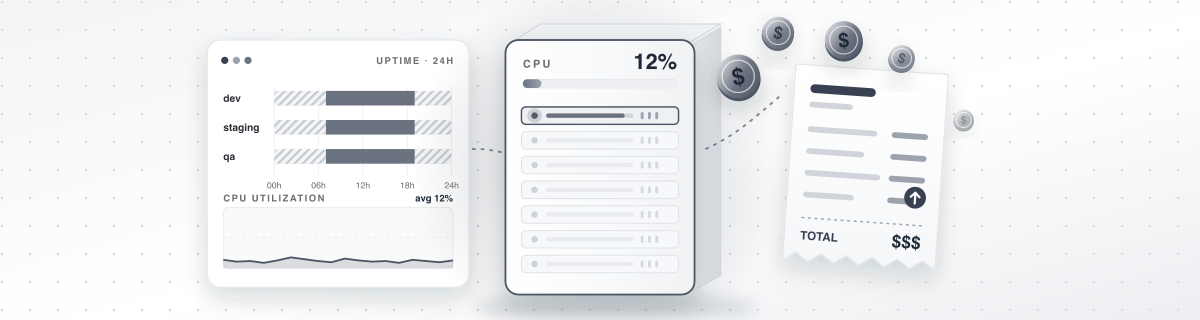
Two habits inflate the server bill on AWS: leaving environments that are only used during business hours running all the time, and choosing servers larger than the application needs. Neither improves the service; they only cost money.
Turning off dev and test environments at night and on weekends cuts close to two thirds of their hours. Going down one server size roughly halves its price.
How many of your servers have more capacity than they use?
We'll review it with you.
See how we help you save →Environments running 24/7: the math on hours
A month has about 730 hours. A team working Monday to Friday from 7 a.m. to 7 p.m. uses about 260. For the other 470 hours, dev and test environments are running for no one.
| Scenario | Hours per month | Cost of 10 m5.large servers (USD/month, approx.) |
|---|---|---|
| Running 24/7 | 730 | ~700 |
| Business hours only (Mon-Fri, 12 h a day) | ~260 | ~250 |
| Savings | ~470 hours | ~450 a month, ~5,400 a year |
Approximate on-demand list price in N. Virginia (us-east-1). The same math applies to test databases, which usually cost more than the servers.
On AWS you schedule it with the Instance Scheduler solution, with EventBridge rules or, for containers, by scaling tasks to zero outside business hours. Production stays on: there, savings come from the right size and from Savings Plans.
Oversized servers: how to know if you have spare capacity
A server's size is usually chosen once, "just in case," and never reviewed. On AWS, each size down within the same family costs about half: going from m5.xlarge to m5.large means paying half for that server.
Signs you have spare capacity, measured over at least two weeks:
- CPU usage stays below 20% and its peaks don't go above 50%.
- Memory used is far below what's available (this requires installing the CloudWatch agent, because AWS doesn't measure it by default).
- Volumes have more provisioned performance than they consume.
Where to see it: AWS Compute Optimizer analyzes real usage and recommends the right size for EC2 servers, Auto Scaling groups, EBS volumes and Lambda functions. Take its recommendations as a starting point and test them outside production first.
A 4-week savings plan
| Week | What to do | Result |
|---|---|---|
| 1 | Tag servers by environment (production, test, development) and owner | Know what can be turned off and who to ask |
| 2 | Schedule dev and test environments to turn off outside business hours | The first savings, without touching production |
| 3 | Review Compute Optimizer and downsize the servers with the most headroom, starting with test | Lower cost per server |
| 4 | With sizes adjusted, buy Savings Plans for the steady production load | A discount on what you actually need |
Order matters: if you buy Savings Plans before adjusting sizes, you commit for 1 or 3 years to paying for capacity you don't need.
Pay only for the servers you need
At C4C7OPS we schedule your non-production environments to turn off, adjust your server sizes based on real usage, and recommend the right savings commitment, without affecting operations.
Get a cost scan of your AWS servers.
See how we help you save →Frequently asked questions
How much do I save by turning servers off at night? If they're only used Monday to Friday, 12 hours a day, you go from about 730 hours a month to about 260: close to 64% less on those servers.
Does turning off a server delete its data? No, if it's stopped rather than terminated: its volumes are kept. Keep in mind that while it's stopped, its volumes and public IPs are still charged.
How do I know what server size I need? With at least two weeks of CPU and memory metrics. AWS Compute Optimizer makes recommendations based on that real usage.
Can I turn production off at night? Usually not. In production, savings come from right-sizing, autoscaling and Savings Plans.
You may also be interested
 Costs
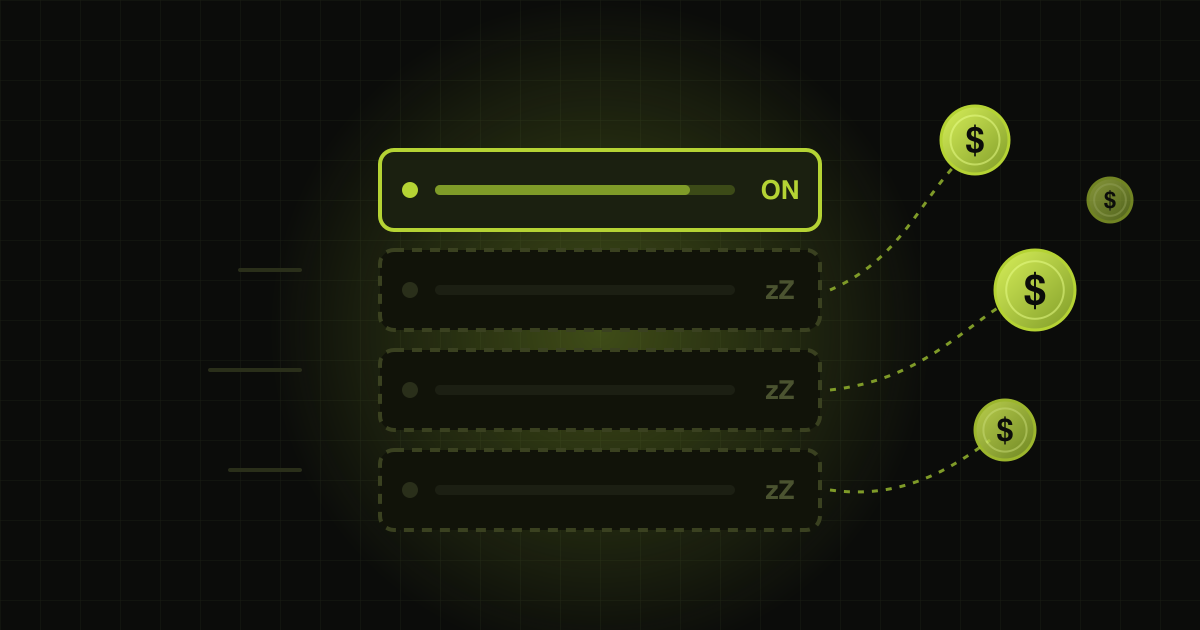
Underused AWS resources: how to find them
29% of cloud spend is wasted. How to find the idle and oversized AWS resources that inflate your bill.
 Cloud
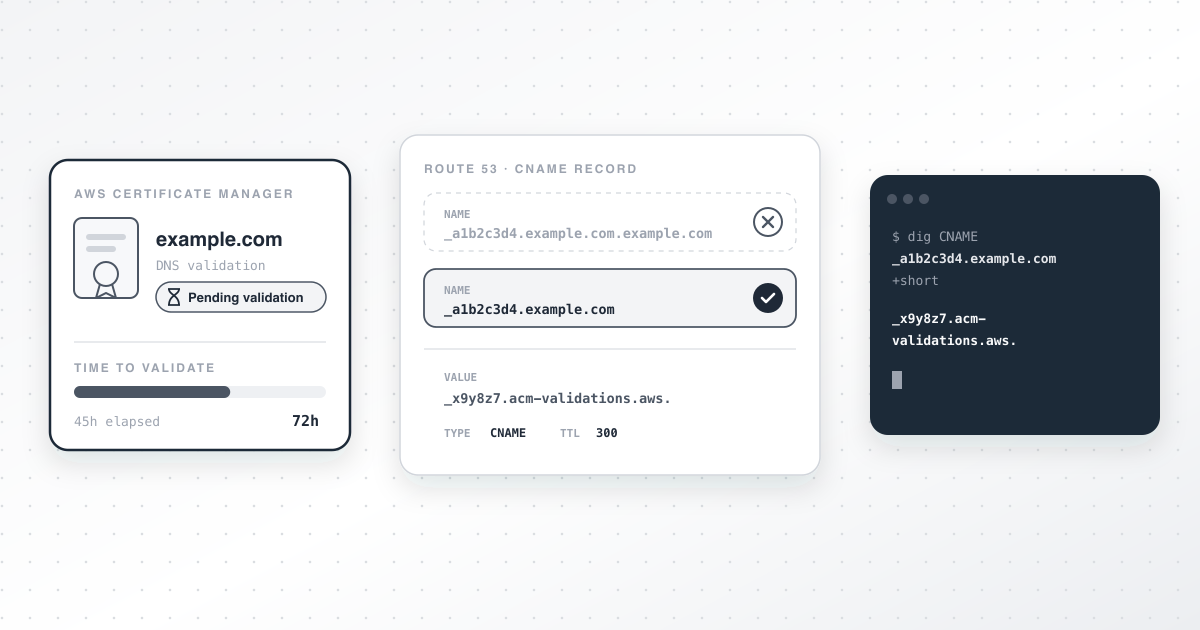
My ACM certificate is stuck in Pending validation
Almost always the CNAME record is misspelled or sits in a DNS zone nobody queries. This is what we check, in this order.
 Security
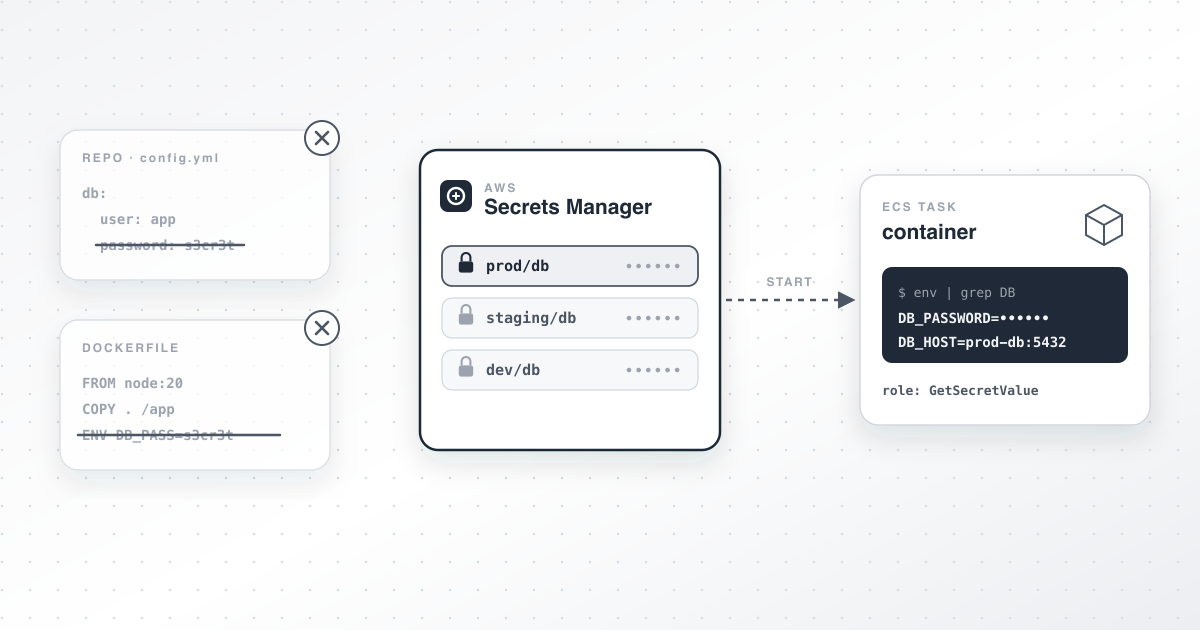
How to pass the database password to a container without writing it in your code
The password lives in Secrets Manager, and ECS hands it to the container when it starts. That way it never ends up in the repository or the image.