



Underused AWS resources: how to find them
AWS charges for usage: you pay for what you have provisioned, for as long as it stays provisioned. The problem starts when what's provisioned doesn't match what your operation needs: servers running at 10% of their capacity, volumes left behind with no server, backups from two years ago, or load balancers from a project that already ended. To AWS they're in use; to your business they add nothing.
You can find them with tools in the AWS console itself, and they can almost always be resized or removed without touching operations.
Want to know how much you pay for capacity you don't use?
We run the inventory for you.
See how we help you save →How much cloud spend is wasted
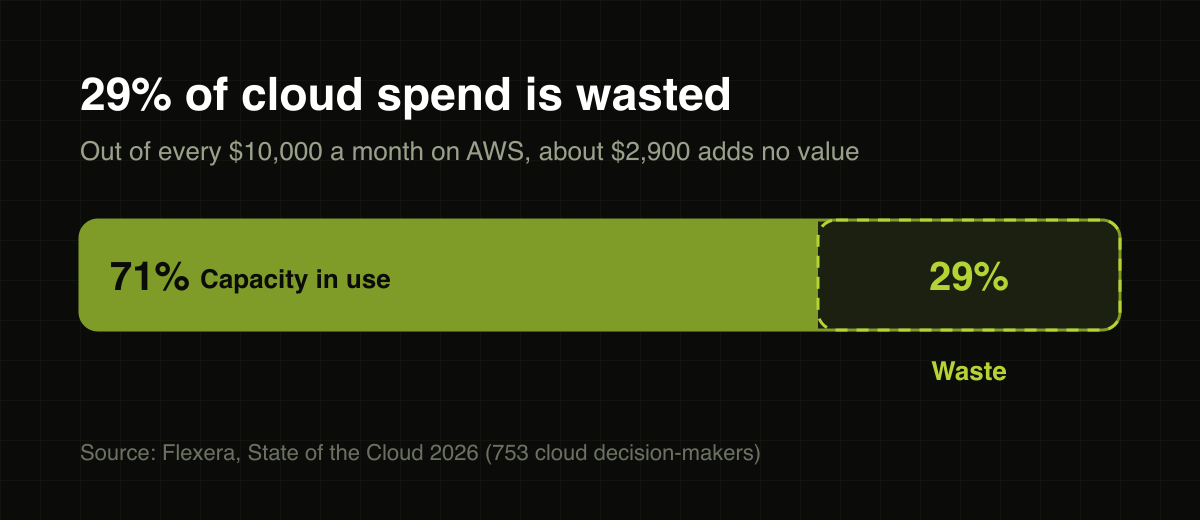
Companies themselves estimate that 29% of what they spend on cloud infrastructure and platform services is wasted, according to Flexera's State of the Cloud 2026 report, which surveyed 753 cloud decision-makers. It's the first time in five years that the figure has gone up: it was 27%.
On a bill: if your company pays $10,000 a month on AWS, close to $2,900 could be going to capacity that adds no value. A large share of that waste is idle or oversized resources, the easiest savings to capture because no application has to change.
The most common underused resources
| Resource | Why it's underused | Approximate cost (USD) |
|---|---|---|
| Oversized servers | A size was picked "just in case" and CPU and memory stay far below what's provisioned | Each extra size costs roughly double |
| Oversized databases | RDS instances sized for a peak that never came | Same as servers, and usually pricier |
| EBS volumes with no server | When a server is deleted, its extra volumes aren't always deleted | ~0.08 per GB a month: 500 GB is ~40 a month |
| Old snapshots | Manual or automatic backups with no expiration | ~0.05 per GB a month, piling up every month |
| Unassigned public IP addresses | Since February 2024 AWS charges for every public IPv4, assigned or not | 0.005 an hour: ~3.60 a month each |
| Load balancers and NAT Gateways with no traffic | Left over from finished projects, tests or migrations, or created by template in every environment | ~16 a month per load balancer and ~33 per NAT Gateway, before traffic |
| Logs and files with no expiration | CloudWatch logs and S3 buckets that keep everything forever | Grows every month without anyone noticing |
Approximate list prices in the N. Virginia region (us-east-1); they vary by region. One by one they look small, but accounts with years of use usually hold tens or hundreds of them, and oversized servers and databases are usually the biggest line.
How to find them, step by step
- Cost Explorer by service and usage type. See which services weigh the most, and filter by EBS, snapshots, public IPs (PublicIPv4 usage type) and NAT Gateway to see how much each one adds.
- AWS Compute Optimizer. Compares real CPU and memory usage with the size of each server, Auto Scaling group, EBS volume and Lambda function, and recommends the right size. Take its recommendations as a starting point and test them outside production first.
- Volumes in the "available" state. In the EC2 console, filter volumes with that state: they aren't attached to any server.
- Snapshots older than 90 days. Sort them by date and check whether any are still needed.
- Public IP Insights. The AWS tool in the VPC IP Address Manager shows all your public IPv4 addresses and which ones are unassigned.
- AWS Trusted Advisor. Flags load balancers with no traffic, low-activity databases and other idle resources.
- Check every region. Idle resources often sit in a region your team no longer looks at.
Before removing or downsizing anything, take a snapshot of whatever you're unsure about, tell the owning teams, and change test environments first.
How to keep them from coming back
- Mandatory tags for owner, project and environment on every new resource.
- Expiration rules: S3 lifecycle, CloudWatch Logs retention and automatic snapshot policies.
- Infrastructure as code: what's created with Terraform or CDK is fully removed when the environment is destroyed.
- A monthly 30-minute review of the cost report by tag.
Pay only for the capacity you need
At C4C7OPS we scan all your AWS accounts and regions for idle and oversized resources, adjust them with your team, and set rules so they don't come back.
Get a cost scan of your AWS account.
See how we help you save →Frequently asked questions
If AWS charges for usage, why do I pay for capacity I don't use? Because AWS measures usage by what's provisioned: a running server counts its hours even at 10% load, and a volume counts its GB even if no server reads it. Pay-as-you-go rewards matching what's provisioned to what you really need.
Does AWS charge for a stopped server? It doesn't charge compute for a stopped server, but it does charge for its volumes and public IP addresses.
Why am I charged for public IPs I haven't assigned? Since February 2024 AWS charges $0.005 per hour for every public IPv4 reserved in your account, whether it's assigned to a resource or not.
Is it safe to delete old snapshots? Yes, if you confirm they aren't the only backup of something important. When in doubt, set a retention policy and let AWS delete them automatically when they expire.
How often should I check for underused resources? Once a month, with automatic alerts for anything that shows up between reviews.
You may also be interested
 Costs
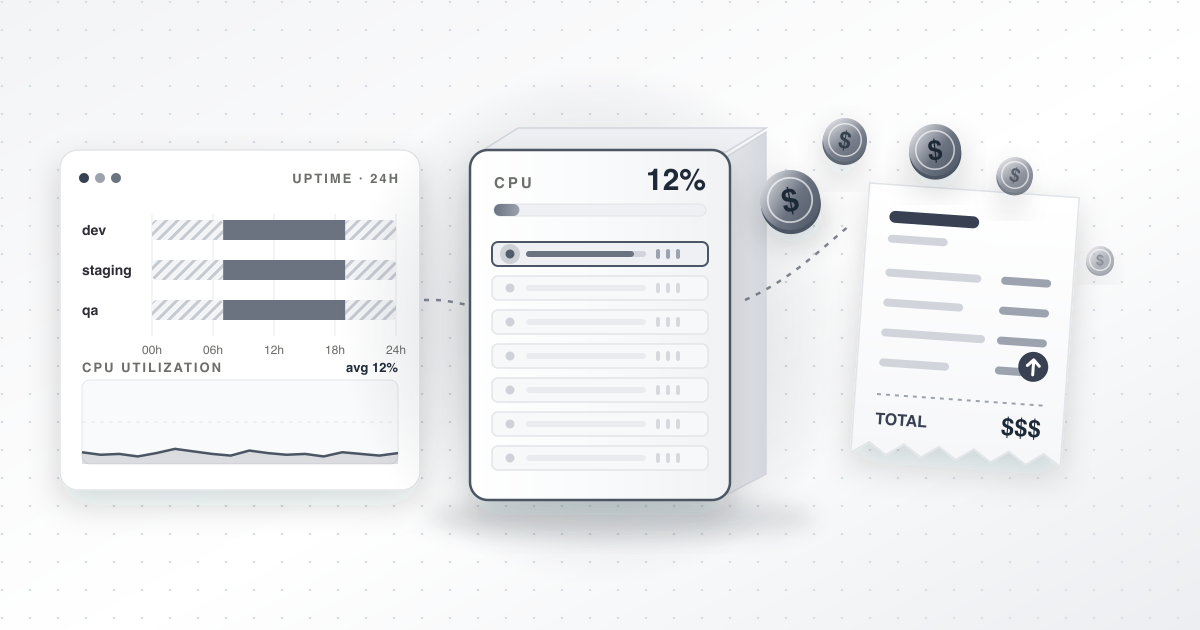
Why are you overpaying for your AWS servers?
Servers larger than needed and environments running with no one using them inflate your bill. How to spot it and save on AWS in 4 weeks.
 Cloud
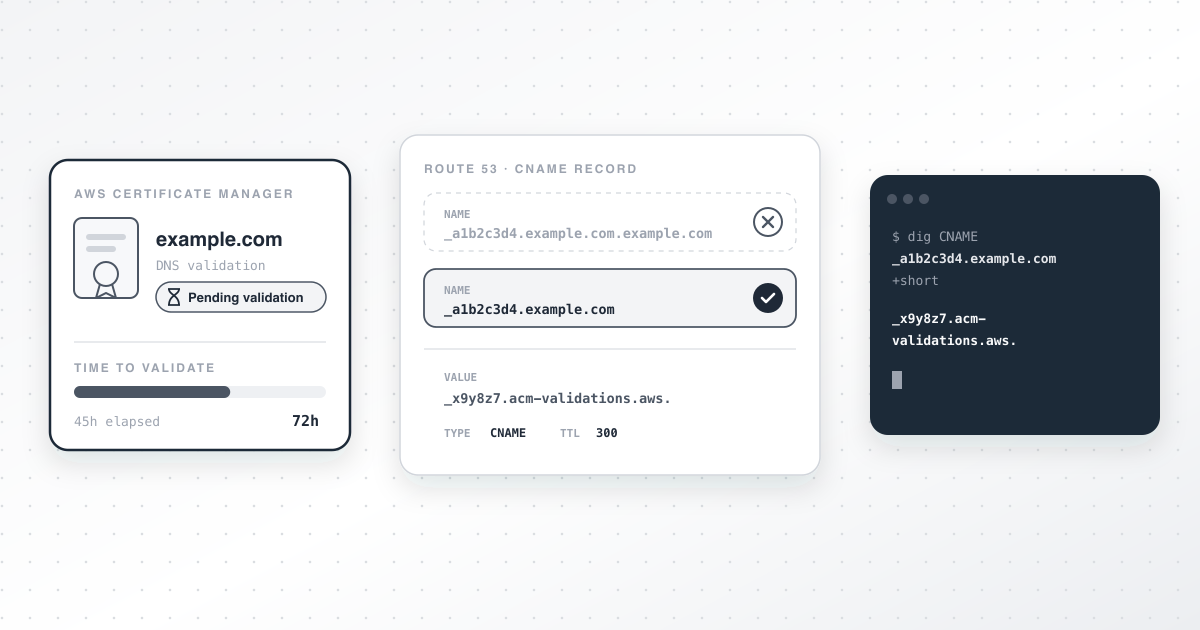
My ACM certificate is stuck in Pending validation
Almost always the CNAME record is misspelled or sits in a DNS zone nobody queries. This is what we check, in this order.
 Security
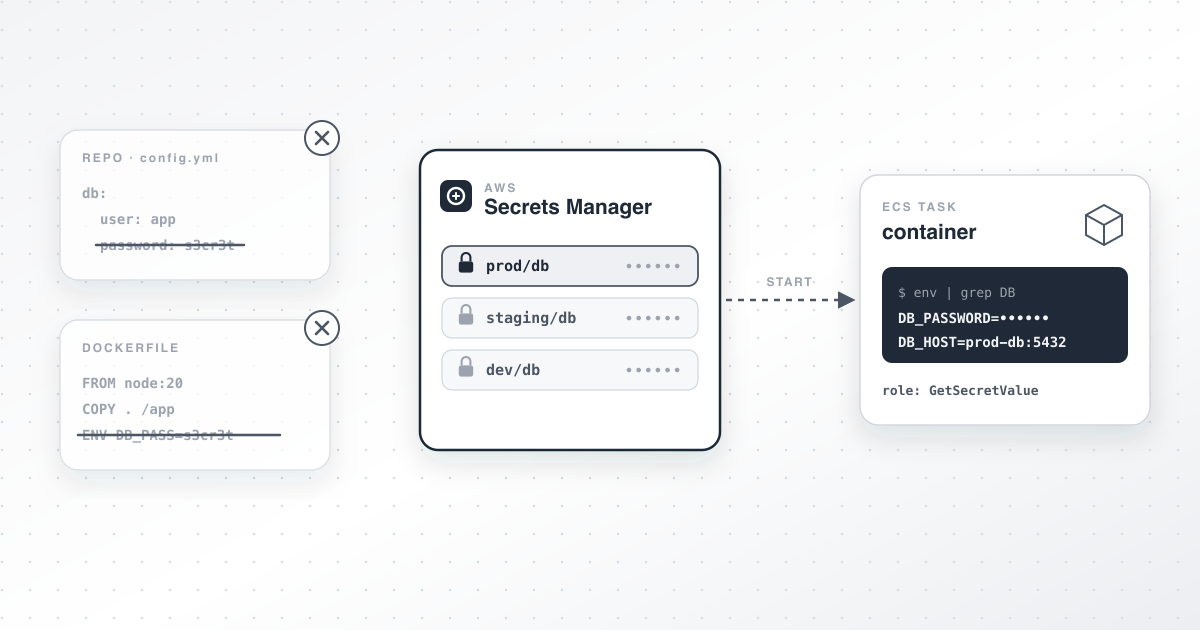
How to pass the database password to a container without writing it in your code
The password lives in Secrets Manager, and ECS hands it to the container when it starts. That way it never ends up in the repository or the image.