


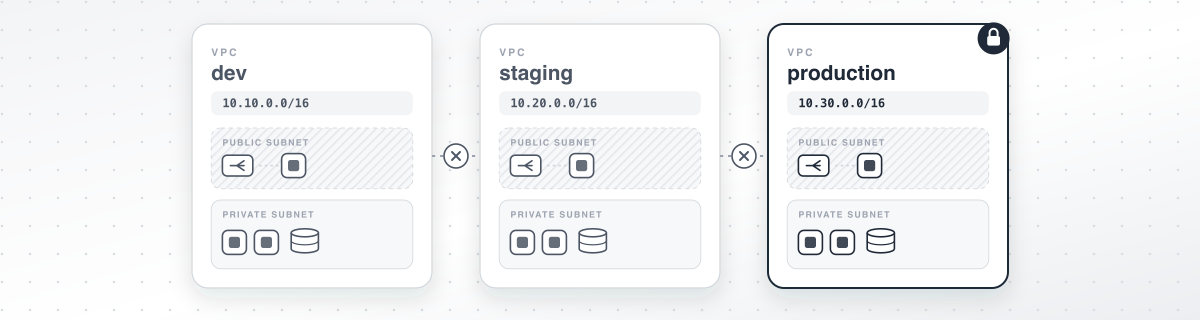
One VPC for all your environments, or one for each
If dev and production share a network, a misconfigured test can reach real data. Here's what to decide before you create anything.
What a VPC is
A VPC is a private network inside your AWS account. It has an IP address range, subnets, and access rules. Resources in the same VPC can see each other according to those rules. Resources in different VPCs can't, unless you create a connection.
When to separate
| Environment | Its own VPC? | Why |
|---|---|---|
| Production | Yes | It holds real customer data. A network mistake shouldn't be able to reach it |
| Staging | Recommended | If you want to test something exactly like production, it must be isolated from dev |
| Dev | If several people deploy | Keeps people from stepping on each other's changes |
If your team is small, you can start with two: production on one side, and staging and dev together. Splitting them later takes more work, because you have to move resources and reconfigure networks.
Define your IP ranges before you create anything
Every VPC needs a CIDR block. The AWS documentation says the allowed size ranges from /16 (65,536 addresses) to /28 (16 addresses), and that you can't change a block's size after you create it. VPC CIDR blocks.
If you plan to connect networks later, the blocks must not overlap. An example with no overlap:
Dev:         10.10.0.0/16
Staging:     10.20.0.0/16
Production:  10.30.0.0/16
Public and private subnets
Put whatever must receive traffic from the internet, such as a load balancer, in public subnets. Put databases and internal services in private subnets. A resource in a private subnet that needs to reach the internet, for example to download packages, needs a NAT gateway, which is billed by the hour. Check that cost before choosing your setup.
When to connect two VPCs
Only when there's a concrete reason, like a monitoring tool that needs to see several environments. A direct connection between two VPCs is called peering. The documentation says peering doesn't support transitive relationships: if A is connected to B and B to C, A can't reach C that way. Invalid peering configurations. If you need A to reach C, you have to create that connection separately.
Checklist before you create
- CIDR blocks defined, with no overlap.
- Production in its own VPC.
- Security rules per environment, not shared.
- Separate credentials for each environment.
- Public and private subnets decided for each service.
What C4C7OPS does about this
In Environments per service, each environment has its own VPC, domain, and services. When you create an environment you choose its name, the connection to your account, region, domain, and VPC. When you set up the network you choose public subnets, or public and private, and the console shows the impact on your AWS spend before you confirm.
Frequently asked questions
Do I have to have one VPC per environment? No. It's the most recommended option for production. For staging and dev, it depends on how many people deploy and how close each environment needs to be to production.
Can the dev and production VPCs see each other? Not by default. They're only connected if you create a connection between them, such as peering.
What should I plan before creating the VPCs? The CIDR blocks. Since their size can't be changed, it's best to define them from the start.
Not sure how many environments your team needs?
Tell us what you deploy.
Sources
You may also be interested
 Cloud
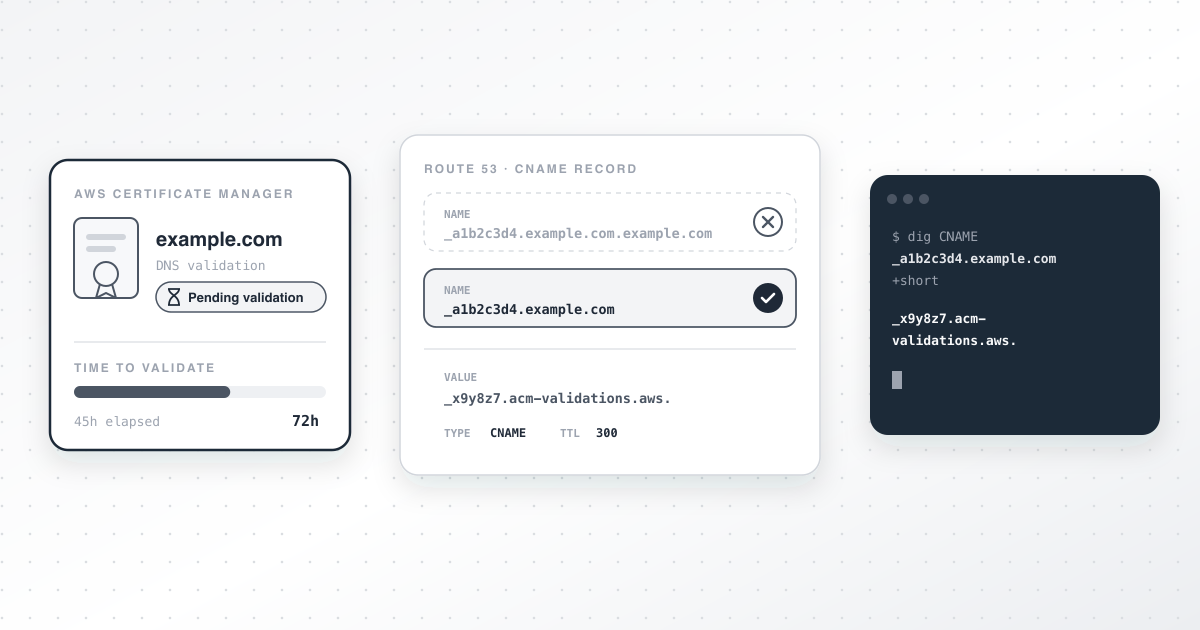
My ACM certificate is stuck in Pending validation
Almost always the CNAME record is misspelled or sits in a DNS zone nobody queries. This is what we check, in this order.
 Cloud
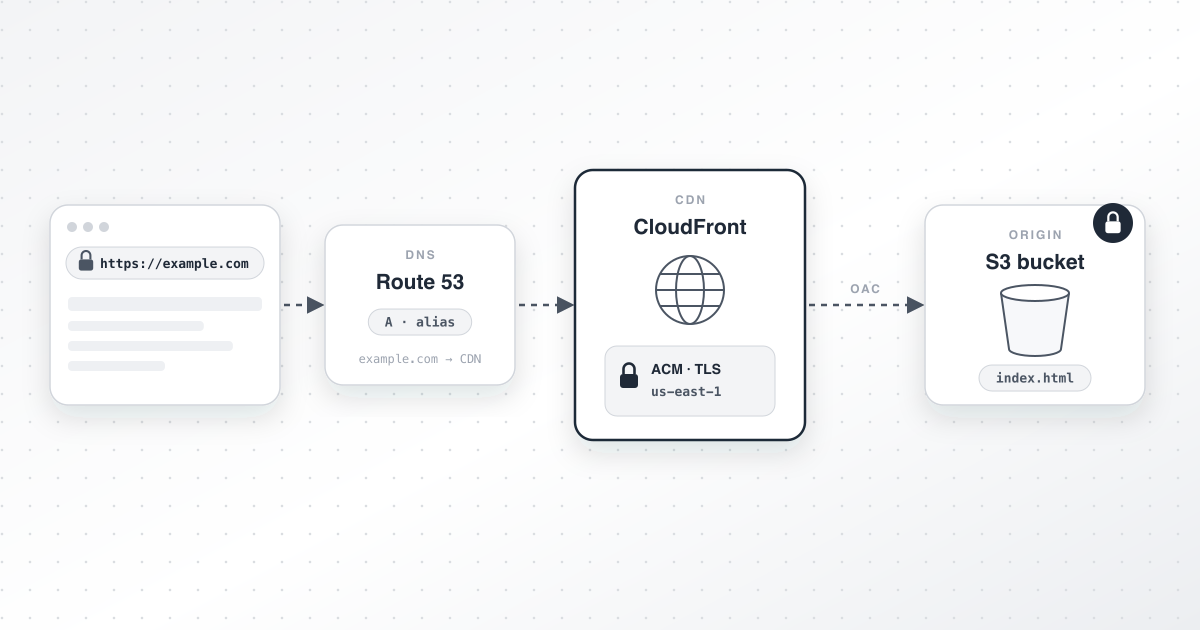
My S3 site won't load over HTTPS on my domain
The bucket has the site, the certificate exists, and the DNS record is in place, but the domain won't load. There's almost always a missing piece between the domain and the bucket.
 Cloud
How to create infrastructure and deploy it on C4C7OPS.
The goal of this post will be to create an infrastructure project, in this case we will use terraform and C4C7OPS. Some of the things we can achieve by implementing infrastructure projects in our cloud are the following: - Creation of an EC2 Instance in AWS - Deployment of a Web Application on Google Cloud - Configuration of a Virtual Network in AWS - Implementation of a MySQL Database Cluster on GCP - Automation of Data Backups with Terraform and AWS Backup To implement any of these projects, we will need to follow these steps: